

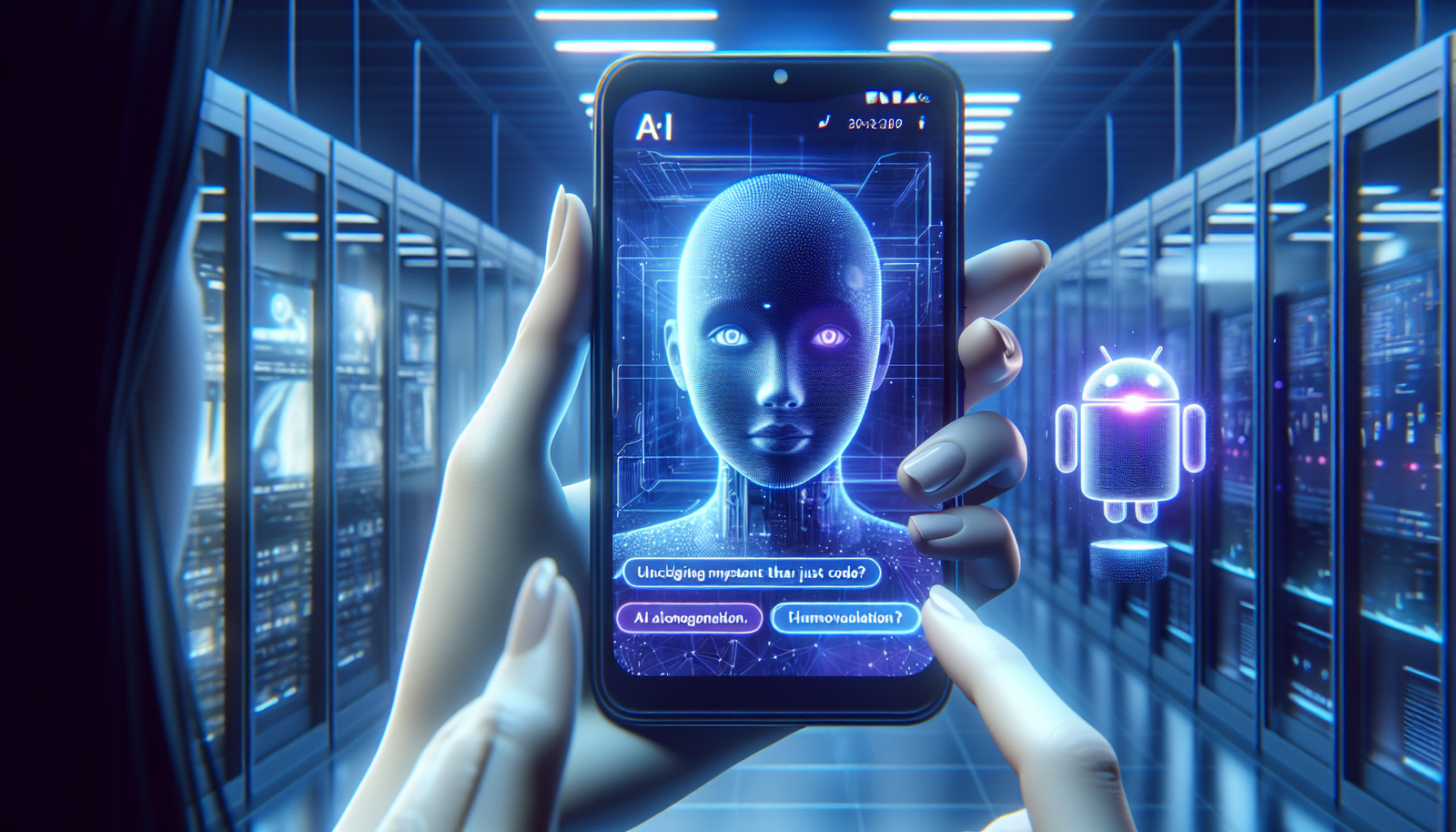
Perplexity unveils *Assistant*, a revolutionary autonomous AI agent transforming digital interaction on Android. This groundbreaking tool utilizes multimodal capabilities to *transform daily tasks*, providing an immediate response to your requests. With its access to applications and web navigation, this innovation *reinvents personal productivity* and promises smoother exchanges with technology. Get ready to discover an assistant capable of understanding and responding to your needs.
This autonomous agent can navigate applications, perform web searches, or analyze what is displayed on the screen to carry out tasks.
/ Published on January 24, 2025, at 11:08 AM
Overview of the Perplexity Assistant
On January 23, 2024, Perplexity announced the launch of its artificial intelligence assistant, an autonomous agent available on Android. This assistant stands out for its ability to perform various actions to assist the user, integrating advanced search and interaction features with other applications. iOS users, on the other hand, will have to wait before accessing this innovation.
Capabilities and Features of the Assistant
Perplexity Assistant innovates by allowing users to carry out daily tasks through a simple voice or gesture command. It can book a taxi, play music, or send emails. These actions are performed without requiring manual intervention, significantly simplifying the user experience.
The CEO of Perplexity, Aravind Srinivas, stated that the launch of this assistant marks a significant transition towards integrated support, allowing AI to interact directly with other applications.
The assistant’s ability to retain the context of conversations represents a distinctive advantage. For example, it is possible to discuss a topic and then perform a related action, such as receiving an alert before an event.
Accessibility and Activations
Available in 15 languages, including English, Perplexity Assistant can be downloaded for free from the Google Play Store. To use it, the user must first install the Perplexity app and then configure it as the default digital assistant. This process takes only a few minutes and requires confirming an option displayed on the screen.
Integration of Multimodal Features
Perplexity Assistant stands out for its ability to access the camera of the smartphone to respond to inquiries based on surrounding physical elements. It can also effectively interpret the content displayed on the screen, thus offering a wide range of practical applications.
One of the demonstrations of this feature includes analyzing an excerpt from The Comedy of Errors by Shakespeare, to extract and explain its meaning.
Limitations and Improvement Perspectives
Despite its numerous innovations, some limitations persist. Perplexity Assistant does not yet have access to all third-party applications, such as Slack or Reddit, which limits its effectiveness in certain scenarios. Aravind Srinivas acknowledged that some features “do not always work” and assured that improvements are under study to address these shortcomings.
Interactivity and Usage
Once configured, access to Perplexity Assistant can be done in several ways: by pressing the power button or swiping from the lower left corner of the screen towards the center. This variety of activation methods facilitates interaction, whether by writing or speaking.
Frequently Asked Questions about Perplexity Introduced Assistant: an Autonomous AI Agent on Android
What are the main features of Perplexity Assistant?
Perplexity Assistant offers capabilities such as web searching, executing tasks in different applications, and understanding displayed elements on the screen to assist users in their daily lives.
How do I install Perplexity Assistant on my Android device?
To install Perplexity Assistant, download the “Perplexity – Ask Anything” app from the Google Play Store, then choose to configure it as your default digital assistant.
Is Perplexity Assistant available on systems other than Android?
Currently, Perplexity Assistant is only available for Android devices, and iOS users will have to wait for a later launch.
How does Perplexity Assistant understand the context of our requests?
The agent is designed to maintain the context of discussions, allowing for smooth interaction and the capability to link actions, such as receiving reminders based on discussed topics.
In which languages is Perplexity Assistant available?
Perplexity Assistant is available in 15 languages, including English, making it easier to use for an international audience.
Can Perplexity Assistant interact with other applications on my smartphone?
Yes, the agent can interact with applications like Uber to book a taxi or YouTube to watch videos, providing an integrated experience.
What are the current limitations of Perplexity Assistant?
Although promising, Perplexity Assistant still has limitations, lacking access to certain applications like Slack or Reddit, and some actions remain occasionally incomplete.
How do I activate Perplexity Assistant after installation?
To activate Perplexity Assistant, open the app and enable the “Default Digital Assistant” option that will appear in the app settings.
What types of tasks can Perplexity Assistant accomplish for me?
Perplexity Assistant can perform a variety of tasks, such as scheduling reminders, sending emails, playing music, or providing directions, thereby simplifying your daily life.
Is there a cost associated with using Perplexity Assistant?
No, Perplexity Assistant is offered for free on the Google Play Store, providing access to its features without charge.