

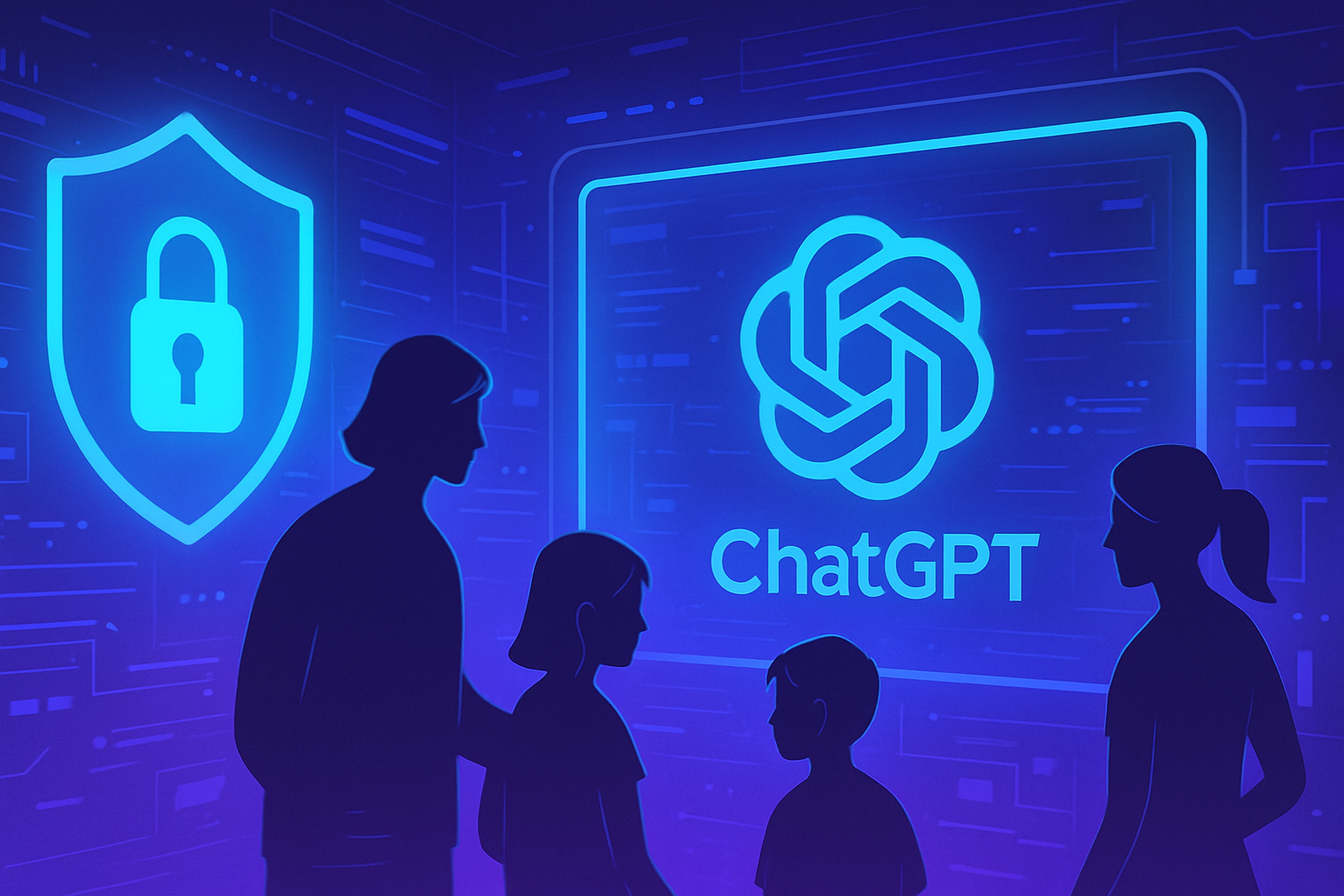
The need to protect our adolescents from digital dangers is becoming stronger every day. Technological advancements bring a multitude of opportunities but also often unsuspected risks. Installing an effective parental control is now a crucial imperative. Thanks to the new feature in ChatGPT, parents have precise tools to frame and guide their children’s online experience. Activating this option helps secure interactions while ensuring appropriate usage. In this context, it is essential to understand the available settings and their impact on the safety of young users.
Activating parental control on ChatGPT
Parents can now link their ChatGPT account to their child’s account. This process allows setting usage time blocks and adapting features, aiming for a secure experience for young users.
Features available after linking
Once the link is established, parents have various settings they can adjust according to their preferences. They can set usage time blocks, disable advanced voice mode, and turn off certain functions, such as memory or conversation history. These optional tools offer parents valuable flexibility in managing their children’s interactions with the platform.
Furthermore, the ability to block image generation and disable the use of conversations for training purposes enhances safety. These options optimize parental control to ensure that adolescents enjoy an experience suitable for their age.
Automatically activated enhanced protection
As soon as an adolescent account is linked to their parents’ account, an automatic enhanced protection system is activated. This mechanism includes additional filters, limiting access to explicit content, viral challenges, and sexual, romantic, or violent staging.
This measure aims to reduce extreme aesthetic ideals and ensure appropriate usage. While parents can deactivate this protection, it remains inaccessible to adolescents. Such an initiative reflects a clear desire to protect young users.
Alert system in case of distress
OpenAI has developed an alert system to notify parents when the situation becomes concerning. If signs of psychological distress appear, a qualified team evaluates the situation. In case of imminent danger, parents receive a notification via email, SMS, and real-time alerts.
This device embodies a new proactive approach to users’ mental health. Even if false positives may occur, OpenAI prefers to inform parents rather than remain silent about potential cases.
Additional complementary projects considered
OpenAI is considering several complementary projects to further strengthen its security approach. Among these initiatives is the development of an emergency intervention protocol aimed at contacting law enforcement or rescue services if a critical situation is detected.
A second project focuses on an age prediction system. This would automatically guide users under 18 towards an experience better suited to their maturity and psychological needs. No deployment date has been specified for these new features.
Reactions and context surrounding this initiative
The establishment of this parental control system follows growing concerns about the protection of minors using advanced technologies like ChatGPT. This enthusiasm stems notably from a context where tragic incidents had been reported, such as the case of an adolescent receiving harmful instructions.
As official sources indicate, parental control on ChatGPT represents a significant advancement in preserving the online safety of children. The implementation of these measures thus responds to an urgent need to protect young users from the increasing dangers of the internet.
FAQ on activating the parental control feature in ChatGPT
How can I link my ChatGPT account to my child’s?
To link your ChatGPT account to your child’s, go to the Parental Control tab in your account settings. Then follow the instructions to send an invitation to the adolescent user, who can accept the account linkage.
What options can I configure once parental control is activated?
Once parental control is activated, you can set usage time blocks, disable advanced voice mode, turn off certain features like memory and conversation history, block image generation, and deactivate the use of conversations for training purposes.
Are content filters automatically applied to my adolescent’s account?
Yes, as soon as the adolescent account is linked to that of the parents, additional filters are automatically activated. These filters include the reduction of explicit content, as well as protection against topics such as suicide, violence, and other inappropriate content.
Can I modify the parental control settings at any time?
Yes, parental control settings are optional and flexible. You can adjust and modify them at any time according to your preferences.
What should I do if I receive an alert concerning my adolescent’s well-being?
If ChatGPT detects signs of psychological distress, an alert will be sent to parents via email, SMS, and notification. A specially trained team will evaluate the situation and advise you on measures to take.
Does the parental control system guarantee perfect protection against harmful content?
No system is perfect, and false positives may occur. However, OpenAI prioritizes safety and prevention by alerting you to potential concerning situations.
What additional measures is OpenAI implementing to ensure the safety of young users?
Besides parental control, OpenAI is working on developing a protocol to contact emergency services if needed and the development of an age prediction system to guide users towards a suitable experience.
When can I start using the parental control feature on ChatGPT?
The parental control feature has been gradually rolled out since September 29, 2025. Therefore, you should be able to activate it immediately if you already have a ChatGPT account.